
Craft ideas & projects
Paper Weight vs Paper Thickness: What Crafters Need to Compare
Compare paper weight and thickness without relying on a universal conversion chart. Use the actual paper specifications and machine requirements before printing or cutting.
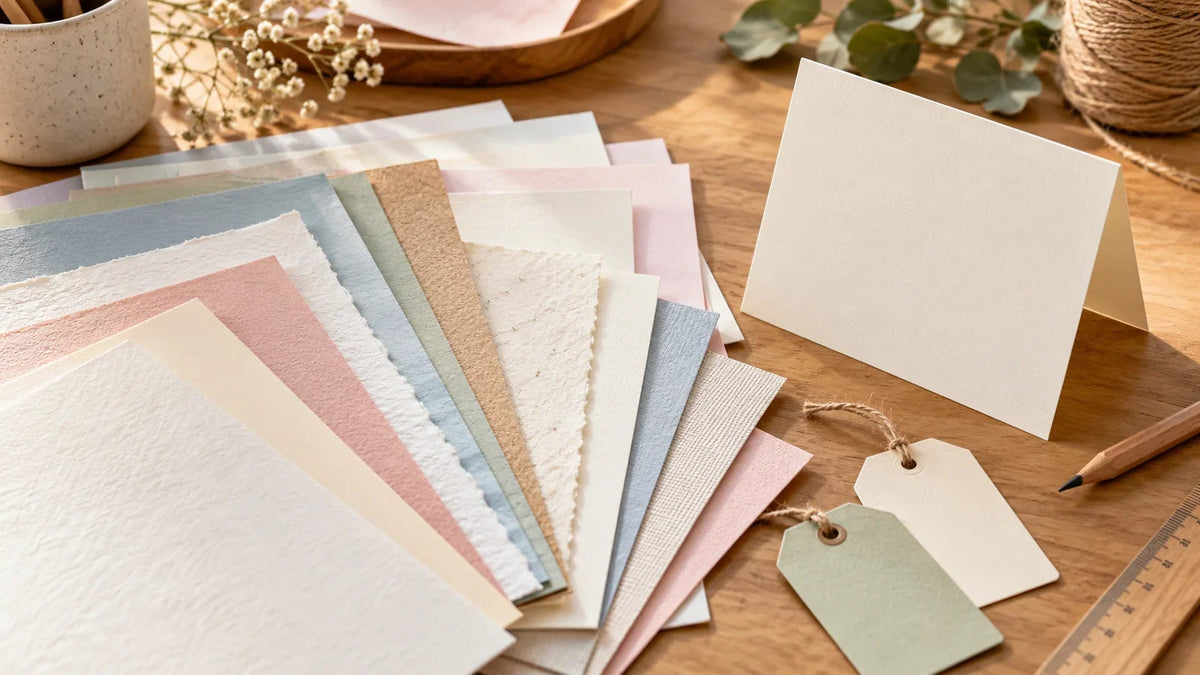
Paper weight and paper thickness measure different things. GSM tells you how much a given area of paper weighs; caliper tells you how thick the sheet is. For a craft project, compare both when they are available, then check the exact printer or cutting-machine requirements. A heavier paper is not automatically a better choice—or a compatible one.
This guide helps you read a paper pack before making cards, tags, layered decorations, or printed inserts. It does not provide universal machine settings or a GSM-to-thickness conversion chart.
Read the number and its unit together
- GSM or g/m²: weight per area
- A 200 gsm paper weighs 200 grams per square meter. The number describes the material, not the weight of one Letter-size sheet or the whole package.
- lb: U.S. basis weight
- This is based on the weight of a ream at a standard uncut sheet size. The relevant size varies by paper category, so keep words such as text, cover, and index with the number. Comparing “80 lb” with “100 lb” without those categories can mislead you.
- Caliper: sheet thickness
- Look for millimeters, microns, mils, or paperboard points. These are thickness units, not weight units. One micron is 0.001 mm; one mil is 0.001 inch. In paperboard thickness notation, one point is also 0.001 inch.
OKI’s paper-weight explanation distinguishes the common measurement systems. If two packages use different basis-weight categories, look for their GSM values before comparing weight.

Why GSM cannot give you an exact thickness
Paper specifications need more than one number. Neenah’s EXACT paper specification guide (PDF) lists basis weight, GSM, and caliper separately. It also notes that its caliper values are approximate and relate to the paper grade’s weight and finish.
That distinction matters when replacing a paper you already use. Matching the old pack’s GSM is useful, but it does not prove that the new paper has the same thickness, bends the same way, or works with the same settings.
The guide is a useful example of a product-specific reference. Look up the exact paper line and finish rather than borrowing a thickness from a different row or another brand. Those specifications are not a universal conversion table for craft cardstock.
If thickness is missing: check the manufacturer’s technical sheet or ask the supplier for caliper, including the unit. Do not calculate a supposedly exact thickness from GSM alone.
Check printer compatibility before choosing the finish
Start with your printer’s model-specific manual. Look for accepted media types, sheet sizes, weight or thickness limits, the permitted tray or feed path, and any restrictions on two-sided printing. Meet the applicable requirements together rather than choosing whichever number seems most favorable.
For example, Brother’s recommended-paper page for the MFC-J1010DW/J1010DWF/J1170DW family lists weight and thickness separately and varies them by paper type. Its limits are an example of how specifications are organized, not instructions for a different printer.
A hypothetical shopping decision illustrates the point: Paper A lists its weight but no thickness. Paper B supplies both measurements. You can check more of Paper B’s specifications, but you still need its print compatibility and your machine’s requirements before deciding. The better-documented option is not automatically the compatible option.
For adhesive sheets, also check the printing technology and coating. Our guide to choosing sticker paper for an inkjet printer covers that separate decision. A familiar GSM does not make a laser-only sheet suitable for an inkjet printer.
Choose cutting settings from the actual material
For a cutting machine, identify the paper as specifically as you can: manufacturer, product name, finish, and weight. Then follow the machine maker’s guidance for that material and the compatible blade and mat.
Cricut’s cardstock instructions recommend selecting the specific cardstock and making a test cut because results can vary. Treat a matching weight label as a starting clue, not proof that another brand will behave identically.
Use a small offcut for the test and inspect the result before committing a full sheet. Record the exact material and settings that worked for that project. If a Silhouette cut fails, the Silhouette troubleshooting guide helps separate setup problems from the material choice.
Compare the finished job, not just the pack
- A folded card: check how a sample folds using the intended scoring method, as well as whether it prints and cuts acceptably.
- A layered decoration: assemble one small example before choosing the final paper. Decide whether the finished stack has the look and handling you want.
- A printed insert: prioritize an approved print surface and readable result. Choosing the highest GSM is not the goal.
- A gift tag: try the actual hole, string, printing, and cut shape on a sample rather than judging the blank sheet alone.
Keep a short paper record for next time
Save the product name, GSM, full lb category if provided, caliper and unit, finish, printer compatibility, and the machine instructions you followed. Add your own sample results separately. A photo of the package helps you find the same material again.
When a specification is missing, mark it “unknown” rather than filling it with a generic conversion. Your next purchase will be easier to compare, and you will know which questions still need an answer before loading the machine.


Comments & Reviews
Be the first to share your thoughts.