
Craft ideas & projects
Commercial Use vs Personal Use Licenses for SVG Designs
A practical framework for checking the license attached to an SVG against your intended product, production method, and quantity.
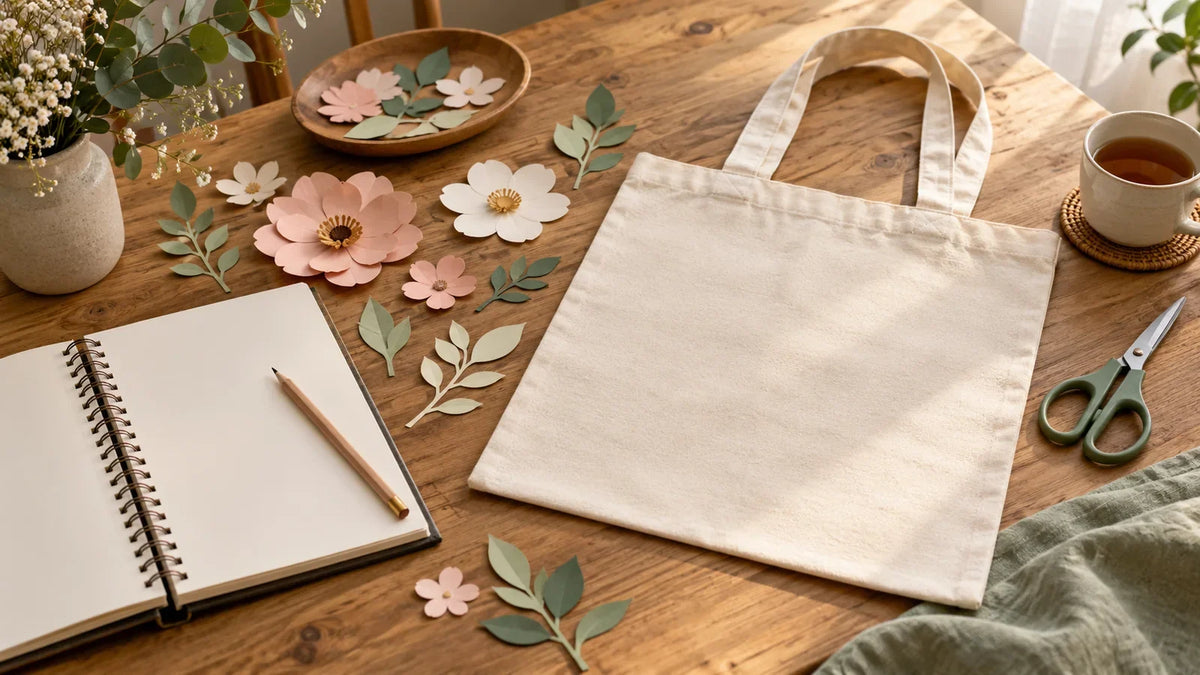
Before using an SVG on something you plan to sell, read the license attached to that exact design and check that it covers your intended product, production method, and quantity. A “commercial use” label is a starting point, not a substitute for those terms. For personal projects, check the permission too rather than assuming every download is unrestricted.
This guide offers a practical way to organize a license review. It is general educational information, not legal advice or a statement of the license included with any RuyaTreasures product.
Start with the project, not the license label
Write one sentence describing your plan before opening the terms. Include what you will make, who will receive it, whether money is involved, how many copies you expect, and who will manufacture it.
Hypothetical project: “I want to cut this floral SVG myself and sell 30 finished cotton tote bags at a local market. Customers will receive the bags, not the SVG.” This is easier to check than “Can I use this commercially?”
An SVG is a file format, not a permission category. Our SVG-versus-PNG guide explains the practical file differences; neither extension tells you what the rights holder permits.
In the United States, copyright includes rights to reproduce, adapt, and distribute protected work, subject to legal exceptions. The Copyright Office recommends determining the work’s status and obtaining permission where required for the intended use. Its permission guide also explains why finding a file online without a copyright notice does not establish that it is free to use.

Hypothetical project summary—not permission to use a design:
- Output
- 30 finished tote bags.
- Maker
- Made at home.
- Customer receives
- The finished bag.
- File transfer
- None.
- Unresolved terms
- Check the actual license for this exact design.
This example does not grant permission.
Personal use and commercial use: read the scope
When reviewing a license labeled “personal use,” look for its definition and examples. Does it address gifts, group projects, or fundraising? When reviewing one labeled “commercial use,” look for the specific products and methods covered. Do not supply missing answers yourself.
Two real public licenses show why the details matter. Creative Commons Attribution 4.0 permits commercial sharing and adaptation subject to its conditions, including attribution. Attribution-NonCommercial 4.0 restricts commercial use. These are examples of different permissions, not licenses that automatically apply to an SVG or to this store’s products. Read the linked legal code when a file actually uses one of them.
Check these eight parts of the actual license
Use the following questions as a reading checklist, not as a list of restrictions that every license contains.
- Covered design and license holder. Does the document apply to the exact design, bundle, or version you obtained? Who is granting permission, and who may use it: you, your business, or a named team?
- Physical products. Does the permission cover the item you intend to make, such as a finished card, shirt, or tote? Look for definitions of finished products and any product exclusions.
- Digital products and source files. Can you distribute a printable, editable template, or other digital output? Separately, can you share, sell, or transfer the underlying SVG? Do not treat those as the same question.
- Production method. Are home production, a local print shop, and print-on-demand addressed? If a third party needs the artwork, check whether the terms cover that transfer and use.
- Quantity and duration. Is there a stated limit? If so, what does it count, over what period, and across which products or designs? Note when you would need to review the terms again.
- Changes and combinations. Does the license permit the resizing, recoloring, lettering, or combination you intend? Check separately for each asset in a composite design.
- Attribution and presentation. Is credit required, and where should it appear? Are there instructions concerning notices, previews, or representations about the creator?
- Other rights and exclusions. Check whether the artwork includes third-party material and whether permissions beyond the design license may be needed. A license is not a blanket assurance for every possible use.
For example, the CC BY 4.0 legal code expressly excludes trademark rights from its grant. Do not interpret permission to reproduce artwork as automatic permission to use a brand as your own.
Three hypothetical projects that need different answers
A handmade tote is not a downloadable cutting file
Suppose a fictional license expressly permits up to 100 hand-finished tote bags and prohibits redistribution of the SVG. Your plan for 30 qualifying bags fits that stated product and quantity scope, subject to the rest of those fictional terms. Selling the SVG alongside the tote would be a different use and would conflict with the stated redistribution restriction.
This example is not a description of any real product license. Its purpose is to separate what the customer receives from the file you use to make it.
A print-on-demand order changes the workflow
Suppose you first planned to make shirts at home, then decide to upload the artwork to a fulfillment service. Go back to the terms before uploading. Record who will receive the file, who manufactures the shirt, and whether the license addresses that arrangement. If you cannot find an answer, ask the rights holder about the specific service and workflow.
A fundraising project is not a safe assumption
Suppose you want to sell cards to raise money for a school. Do not decide that “personal use” covers the project simply because you are not keeping the proceeds. Describe the sale and fundraising purpose when checking the terms or requesting clarification. An unresolved use should remain unresolved in your notes—not become a yes because the cause is worthwhile.
Keep a small permission record with your project
Create a note containing:
- Design name, creator or licensor, source URL, and the exact downloaded file or version.
- Purchase or download date, order reference if applicable, and a copy of the applicable license as received.
- Your intended product, quantity, production method, and any third-party involvement.
- The relevant clauses, required credit, unresolved questions, and any written permission you receive.
Saving these details helps you revisit the decision when your workflow changes. It is an organizational habit, not a guarantee that a use is lawful. Keep your original terms with the project rather than relying only on a page you may struggle to locate later.
When a term is unclear, ask a specific question
Here is a hypothetical inquiry you can adapt:
I obtained [design name and version] on [date] under [license name]. I plan to make [quantity and product] using [production method] and sell them through [channel]. [Name or type of third party] would receive the file for [purpose]. Does this license cover that use, and are there conditions or a separate permission I need?
Attach or identify the relevant license and keep the reply with your record. For a substantial investment, a dispute, or uncertainty about your legal position, seek advice from a qualified professional in the relevant jurisdiction.
Move to production only after the permission check
Before cutting, make sure you can point to the permission for your exact plan and list any conditions you must follow. If the answer is unclear, hold that design out of production while you clarify it, or choose another design with terms that address your intended use.
Once that check is complete, use our Cricut Design Space SVG workflow for the separate task of preparing the file. A successful import tells you the file works in the software; it does not verify its license.


Comments & Reviews
Be the first to share your thoughts.